July 19th, 2026
Free AI Presentation Templates, Editable in PowerPoint
TL;DR: A template only helps if the output is actually editable. Every PowerPresent theme exports to a real, editable PowerPoint — so you get a designed starting point without getting locked into a tool. Browse them all on the templates page and open any one free.
Editable in PowerPoint, not locked in
The catch with most AI slide tools is the export: you get a flat image or a PDF you can't touch. PowerPresent exports a genuine .pptx with editable text, native charts, and your fonts intact — so the template is a head start, never a cage.
- Real .pptx export — editable text and charts, not screenshots.
- Edit anywhere — restyle in the browser, then finish in PowerPoint or Google Slides.
- Free to try — open any template in the editor with no signup.
Versatile themes for any deck
The general templates are the all-rounders — clean layouts that suit updates, proposals, and everyday presentations. A few favorites:
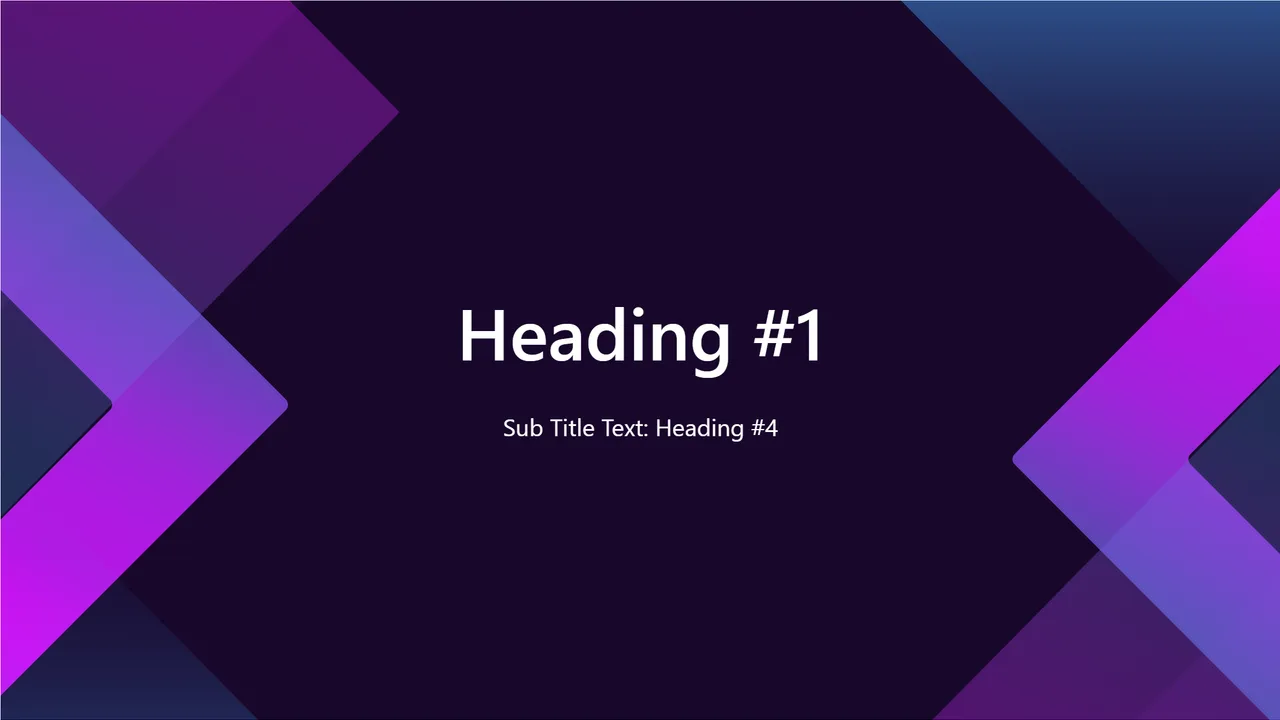
- Celeste — a modern, gradient-forward look.
- Lumen — light, airy, and highly readable.
- Ultramarine — bold and confident for a strong first impression.
Need something more specific? Browse by category — pitch deck or education — on the templates page.
Try one now
Click Open in editor on any template to edit it live in your browser — no account, no download. Present from the tab or export to PowerPoint when you're done.