Education presentation templates
4 free, AI-designed education themes — fully editable and exportable to PowerPoint. Open any one live in the editor, no account needed.
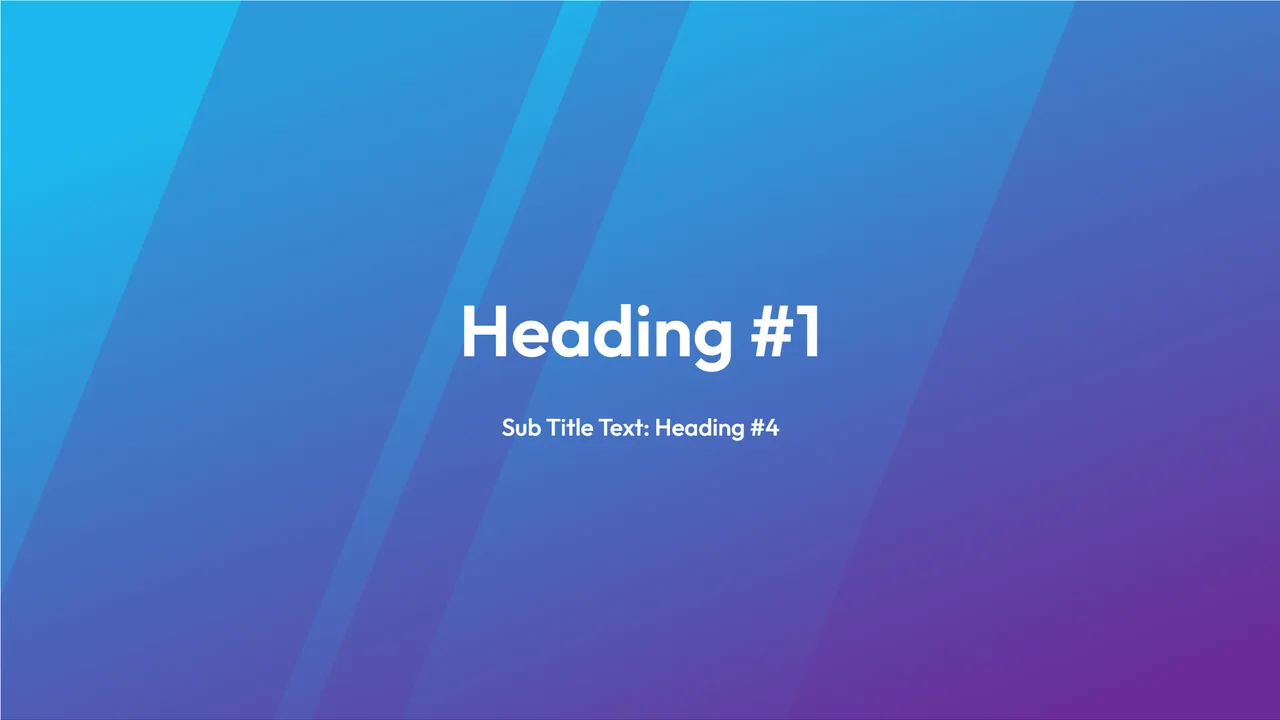
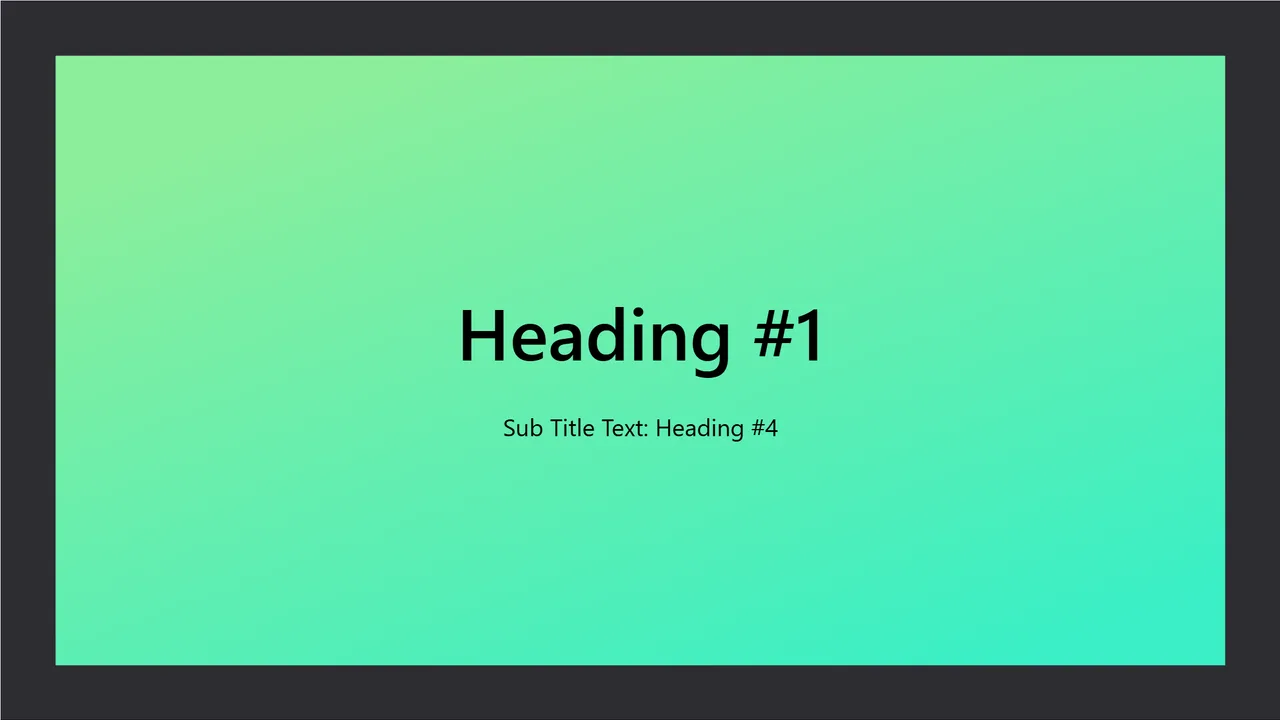
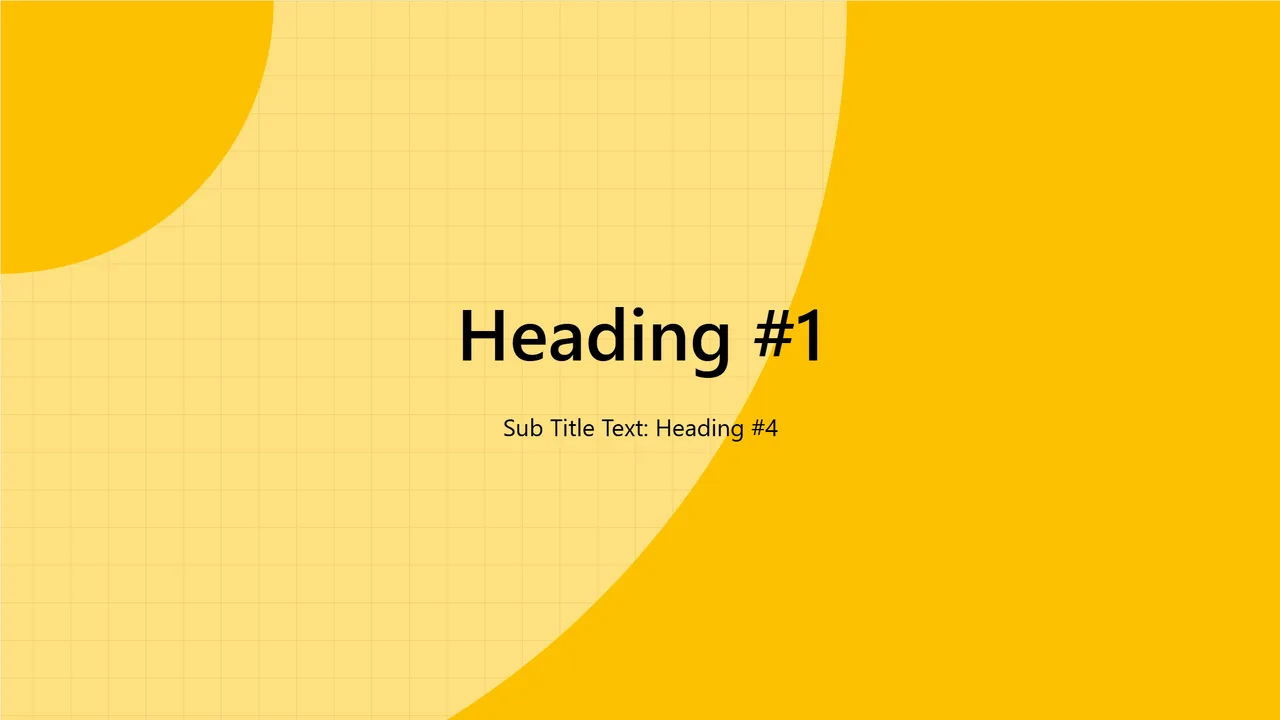
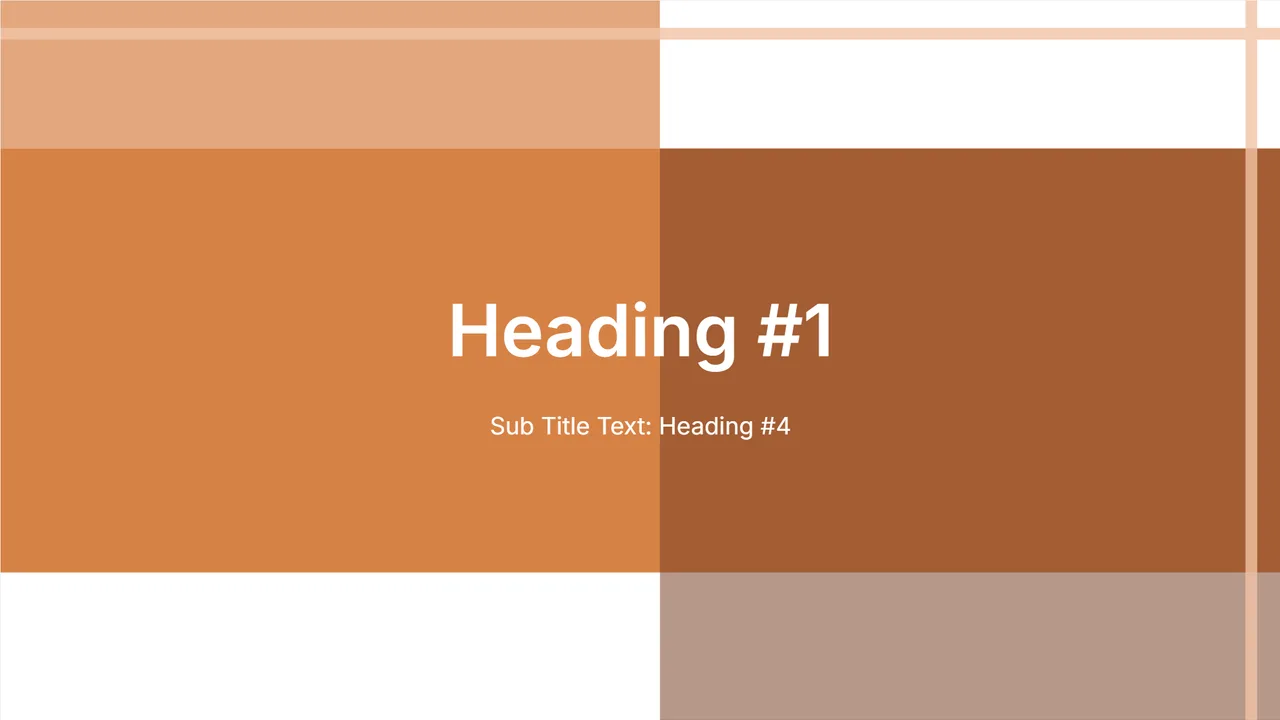
Designed for the classroom
Education decks have a different job than a boardroom pitch: they need to hold attention and stay legible on a projector at the back of a room. These themes lean into large headings, generous spacing and simple, colourful layouts, so a lesson reads clearly whether it is on a smartboard, a laptop or a printed handout.
The structure is unusually deep — twenty-eight slides, because teaching needs more than bullets. Alongside the agenda, section breaks and lists there are quiz and Q&A slides, a table, a sequence, cycle, Venn, concentric-circle and cause-and-effect diagram, a comparison-with-stats layout, a pull quote and an FAQ slide. That is the vocabulary of explaining something, which is why a lesson generated here tends to arrive with the right slide type for each idea rather than fifteen variations on a bullet list.
Each is free to open, edit and present without an account — creating, editing, presenting and PDF export are free, and a watermark-free .pptx export is on paid plans.
Read next: how AI slide makers improve learning outcomes.
Questions
Are these education templates free?
Yes — creating, editing, and presenting are free and unlimited, with free PDF export. Watermark-free .pptx and Google Slides export, plus document uploads, are unlocked on paid plans.
Can I edit them in PowerPoint?
Yes. Every template exports to a real .pptx with editable text, native charts, and your fonts intact.
Do I need an account to try a template?
No. Click 'Open in editor' on any template to edit it live in your browser — no signup required.